 Thumbnail Maker AI
YouTube thumbnails that get the click.
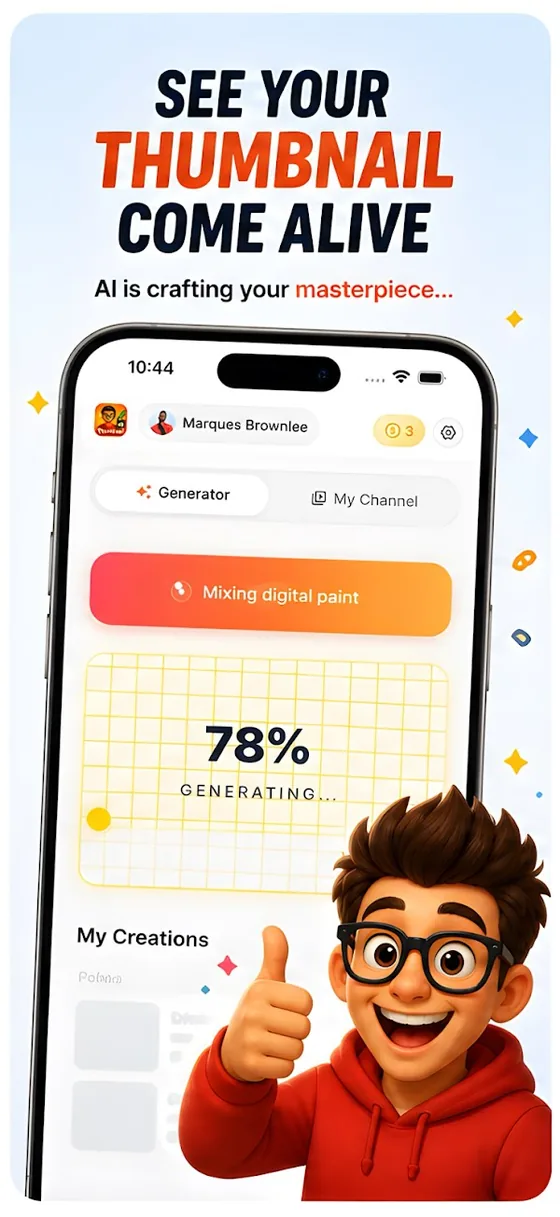
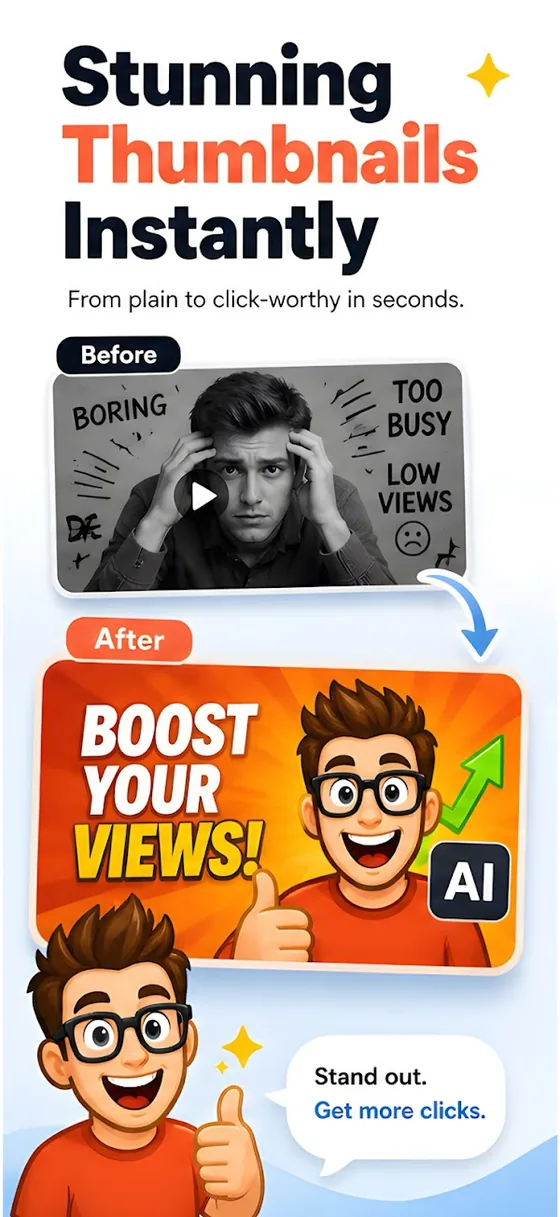
Describe your video, add your face, and Thumbnail Maker AI makes thumbnail options in seconds. Free to download on Android and iPhone.
Sound familiar?
The video is good, but nobody clicks it.
I made the thumbnail in Canva and it looks blurry after I upload it.
YouTube says my thumbnail file is too big.
I only have my phone. Where do I even make a thumbnail?
What Thumbnail Maker AI does
Describe it, get thumbnails
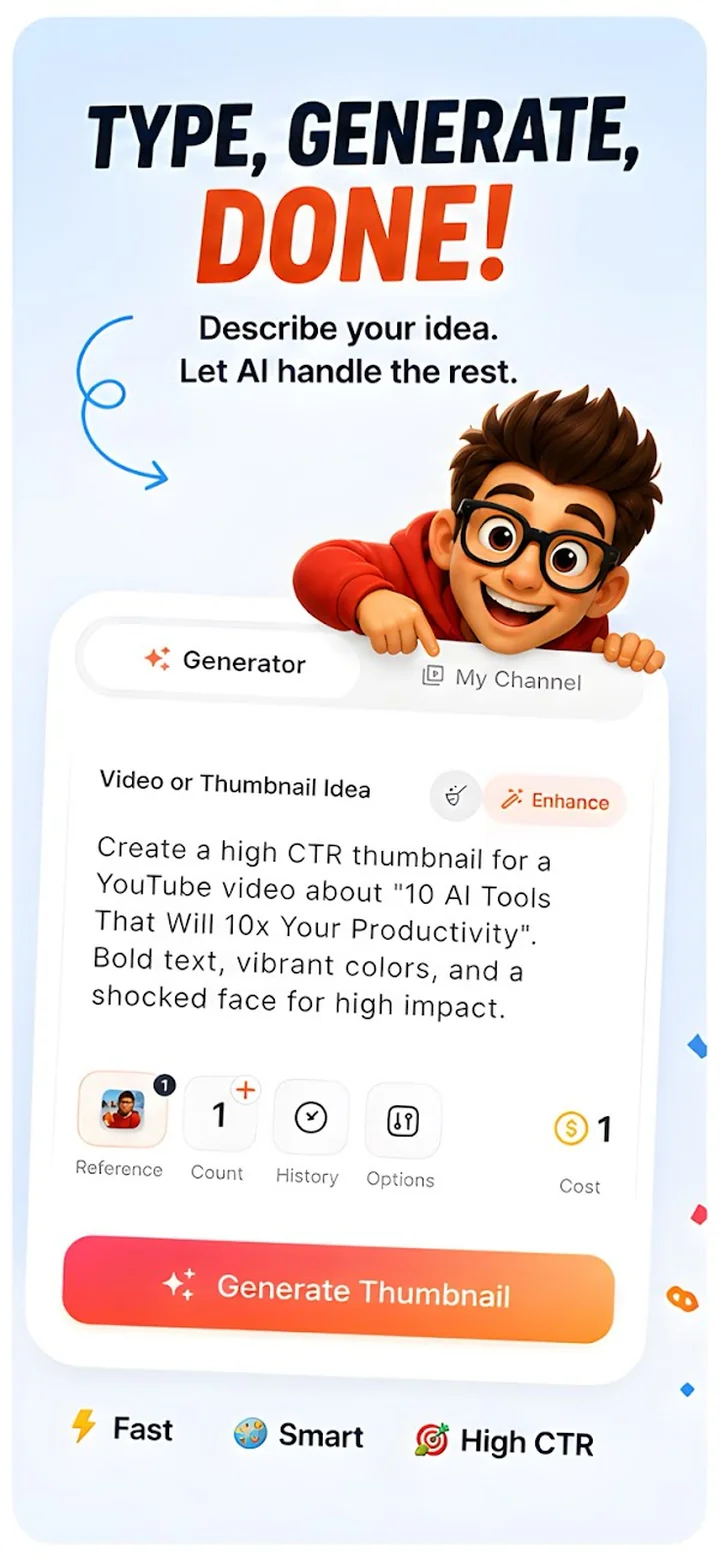
Write what your video is about, in any language, and tap Generate. You get thumbnail options to pick from.
Prompt enhancer
Have a rough idea? The enhancer turns it into a fuller prompt, and you can preview the result before you generate.
Your face in the thumbnail
Add reference photos and save your faces as avatars, so your channel looks like you every time.
Viral score and audit
Get a score with a breakdown of what helps, plus a plain-language critique of a thumbnail you already have.
Crop and filters
Crop to the right shape, zoom in, and try 7 colour filters such as Vivid, Cool, Warm and Drama. Then save it to your gallery.
Titles, descriptions, hashtags
Draft a video title, a description and hashtags in the same app, and connect your channel to see which videos need a new thumbnail.
Straight from the store
How it works
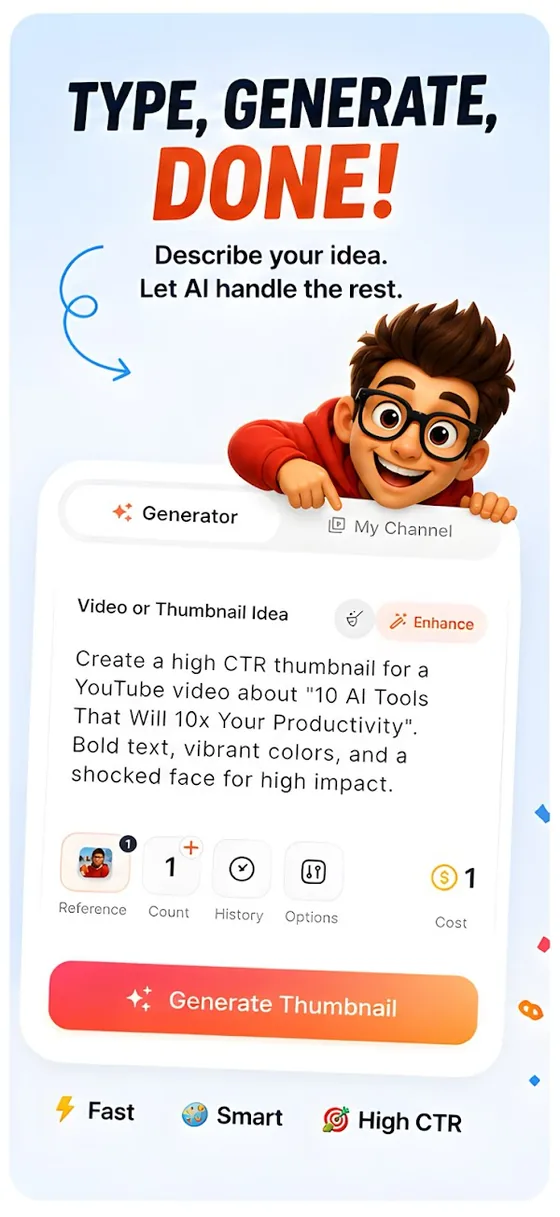
Describe your video
Type your idea in any language. Add your face or a reference photo if you want one in the shot.
Tap Generate
The app writes a stronger prompt and makes thumbnail options for you to choose from.
Crop and save
Crop it to fit, try a filter, save it to your gallery and upload it to YouTube.
Free guides
Free tools
- YouTube thumbnail size checker and resizerUpload an image to check it against YouTube's rules (16:9, 640 px minimum, 2 MB from a phone), see the timestamp safe zone, and download a resized JPEG. Runs in your browser.
- YouTube feed previewSee your thumbnail, title and channel name at real size in a home feed and in search results, in light and dark, on computer and phone widths.
Questions
Is Thumbnail Maker AI free?
It is free to download. Generating thumbnails uses credits, and a Pro membership adds things like no ads, no watermark and a higher-quality model.
Do I need to sign up?
No. The app signs you in anonymously when you open it, so you can start without an email or password.
What size are the thumbnails?
Use 16:9, at least 640 px wide, as a JPG or PNG. Uploads from a phone must be under 2 MB, so 1280x720 under 2 MB is the safe choice. Use the free size checker on this site to test any image, and the crop editor in the app to fit one.
Can I use my own face?
Yes. Add reference photos, or save a face as an avatar to reuse in later thumbnails.
Does it work for Shorts and podcasts?
You describe the video, so it works for any kind of channel: gaming, vlogs, education, podcasts and more.
Does it work on Android and iPhone?
Yes, both. It is free to download from Google Play and the App Store.
Make a thumbnail people click.
Download Thumbnail Maker AI free on Android and iPhone.